Incoming moment
Use cases · Law firms and legal intake
Structure the intake without giving legal advice
An hiify.ai agent can collect contact details, matter type, key dates, and conflict-check information defined by the firm, then book an intake call or transfer the caller. It does not interpret the law.
From first hello to handoff
The whole conversation, made explicit.
Each part is visible in the builder. You decide what the agent asks, which source it trusts, what connected action it can take, and when a person takes over.
What the agent understands
- The matter category, relevant dates, parties, and contact details the firm requests
- Office, process, and pricing facts present in approved firm sources
- Whether the flow calls for an intake booking, message, or transfer
What it can do
- Run the firm’s chosen intake questions
- Book a consultation through a connected scheduling provider
- Save contact details and transfer configured urgent paths
Human handoff
Legal questions, case assessment, deadlines that need interpretation, and advice requests transfer to a lawyer or become a prioritized message.
The agent does not provide legal advice, assess a claim, or create an attorney-client relationship.
Operational change
What the team gets after the call
Not a promise of automatic outcomes. A clearer path from an incoming request to the next accountable step.
- 1
A repeatable intake
Each new matter follows the same firm-defined questions before a consultation.
- 2
Clear advice boundaries
The flow can route legal interpretation to a person instead of generating an answer.
- 3
Organized follow-up
The contact, matter summary, and conversation record are available for the intake team.
Example flows
Two ways a legal call can move
These are grounded examples, not live simulations. Each step maps to a builder block you can configure, connect, and publish.
New matter intake
A prospective client calls about a dispute and wants to speak with the firm.
Understand
The agent collects the firm’s intake fields and answers only factual office or process questions.
Act
It books an intake call and saves the contact in the configured CRM.
Hand over
Any request for legal guidance is transferred or recorded for a lawyer.
- Collect matter details
- Answer office FAQs
- Book intake
- Save the contact
Time-sensitive request
A caller says a date or event may require prompt attention.
Understand
The agent records the date and facts without deciding their legal significance.
Act
It follows the firm’s urgent branch to a configured transfer number.
Hand over
The receiving person gets the reason for the handoff before taking over.
- Capture the facts
- Use urgent branch
- Warm transfer
Inside the product
A workflow your team can inspect.
The builder makes intake questions, factual knowledge, consultation booking, and legal-advice boundaries explicit.
hiify.ai · example workflow
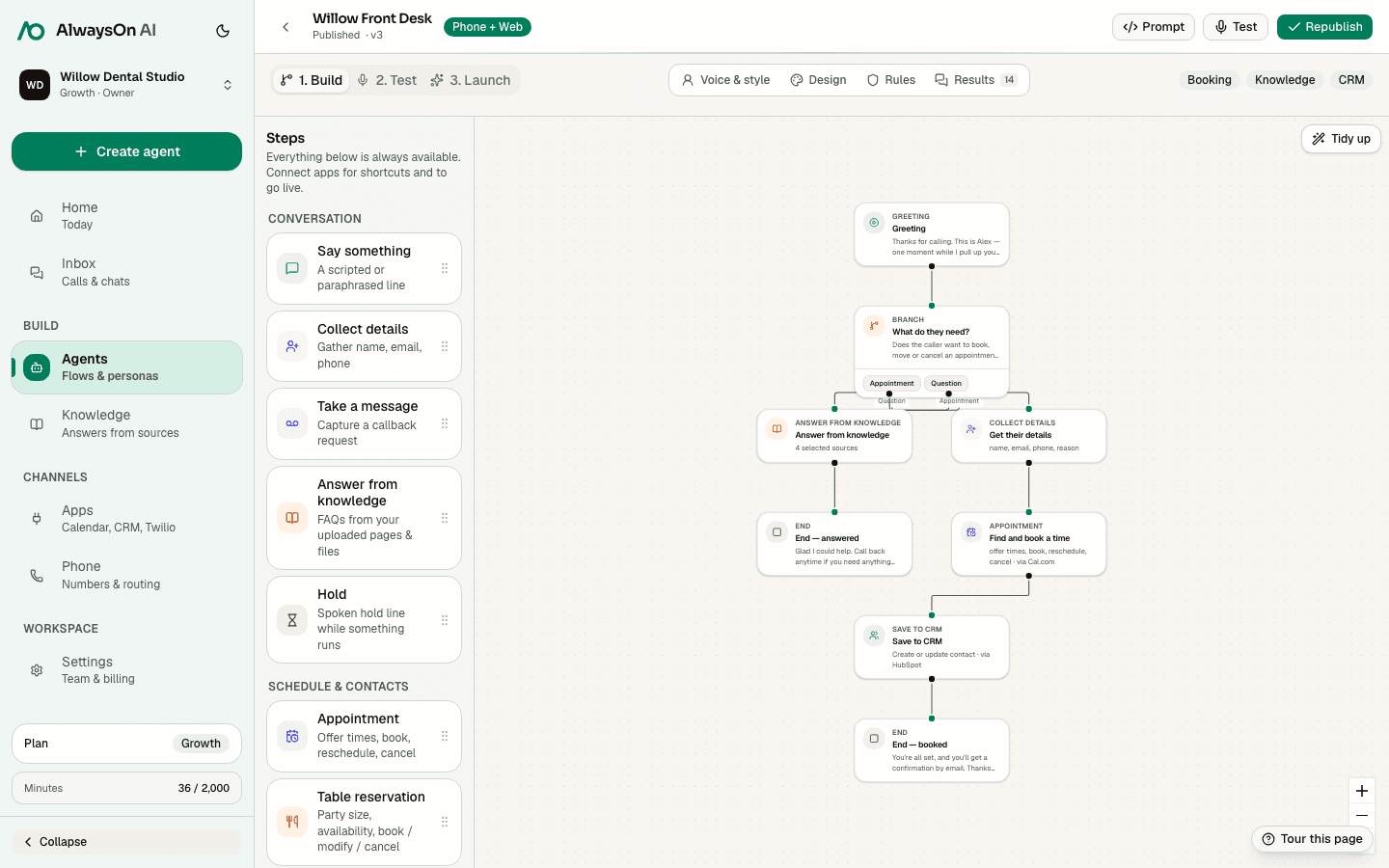
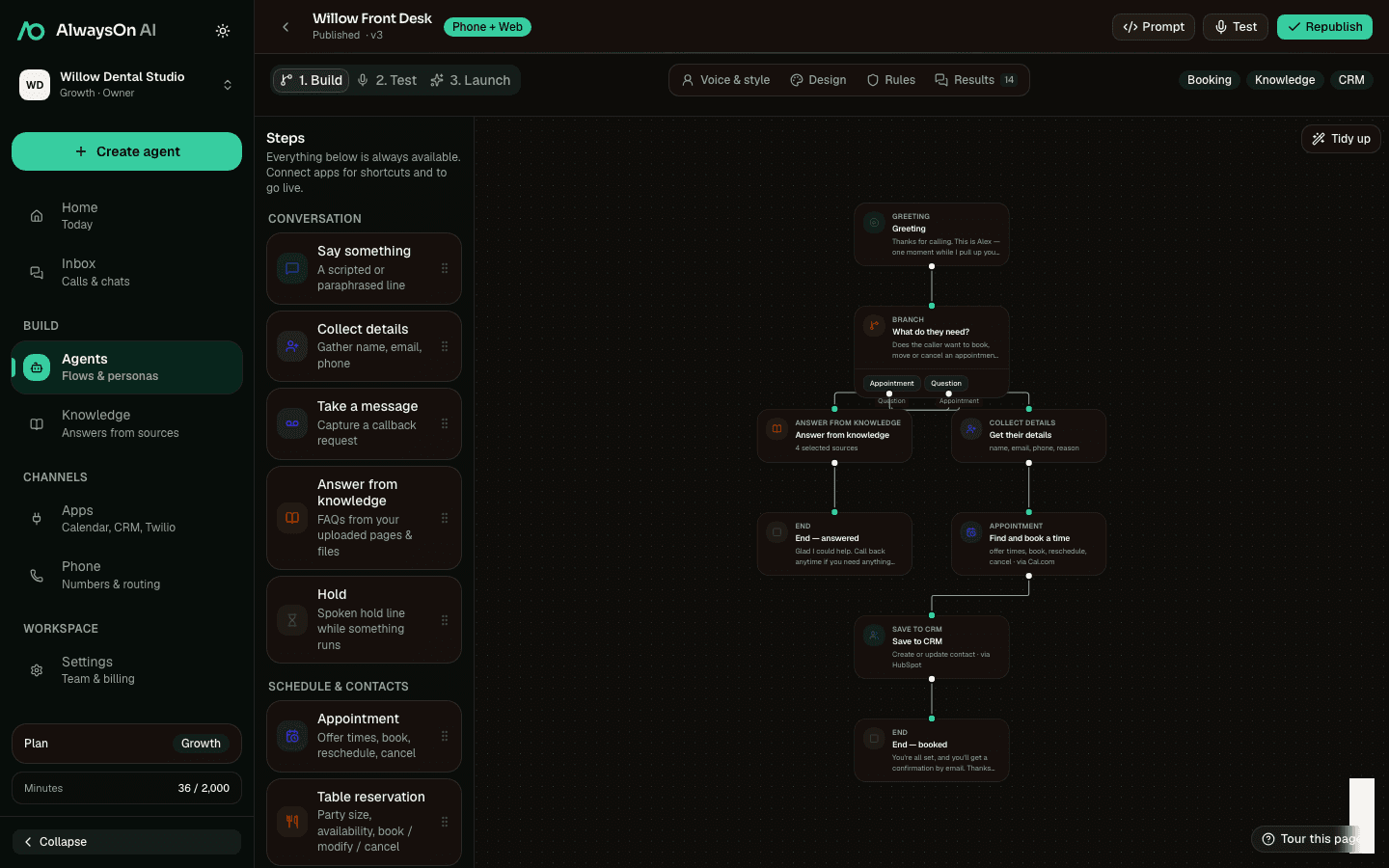
One buildable path · New matter intake
- CollectCollect matter details
- KnowledgeAnswer office FAQs
- AppointmentBook intake
- CRMSave the contact
Supported tools
Connect the step to the system that owns it
A practical starting set for legal workflows. Connect only the apps your team uses.
 Cal.comAvailability, booking, changes
 HubSpotCRM contact and call context
 SalesforceCRM contact capture
 TwilioPhone numbers and configured SMS
 Google CalendarAvailability and calendar events
 SlackConfigured team notification
Availability, booking, lookup, changes, cancellation, and waitlist support vary by provider. hiify.ai exposes only the actions supported by the connected provider and enabled in the published flow.
Browse integrationsRelated industries
All use casesSame building blocks, different incoming moments
Build a legal workflow
Start with the incoming moment, add approved knowledge and supported actions, then define the human handoff.